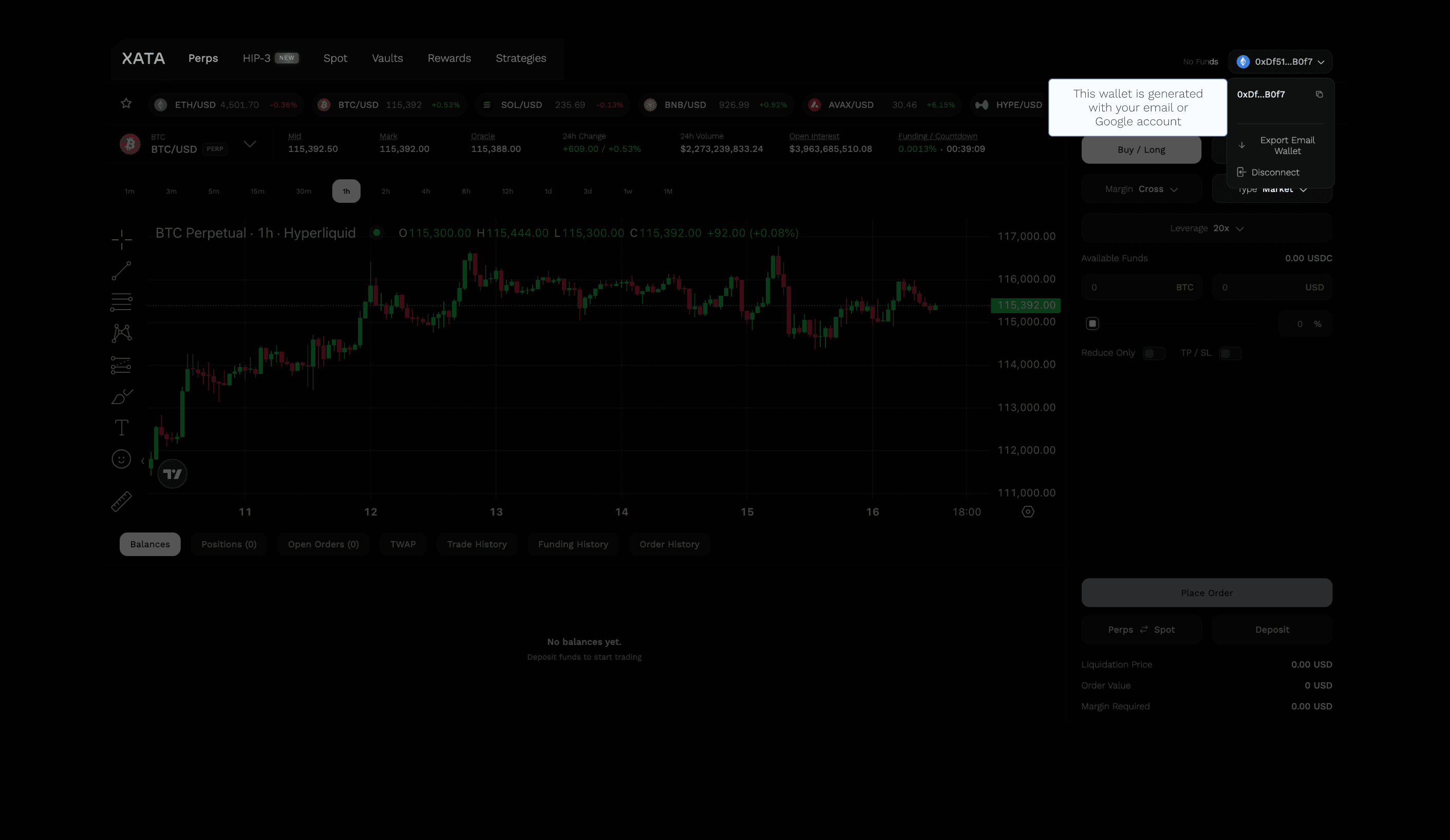
Creating a XATA account
XATA uses Privy to offer secure, user-friendly logins via external wallets or email/Google-based wallet creation
XATA uses Privy to manage secure and user-friendly account logins.
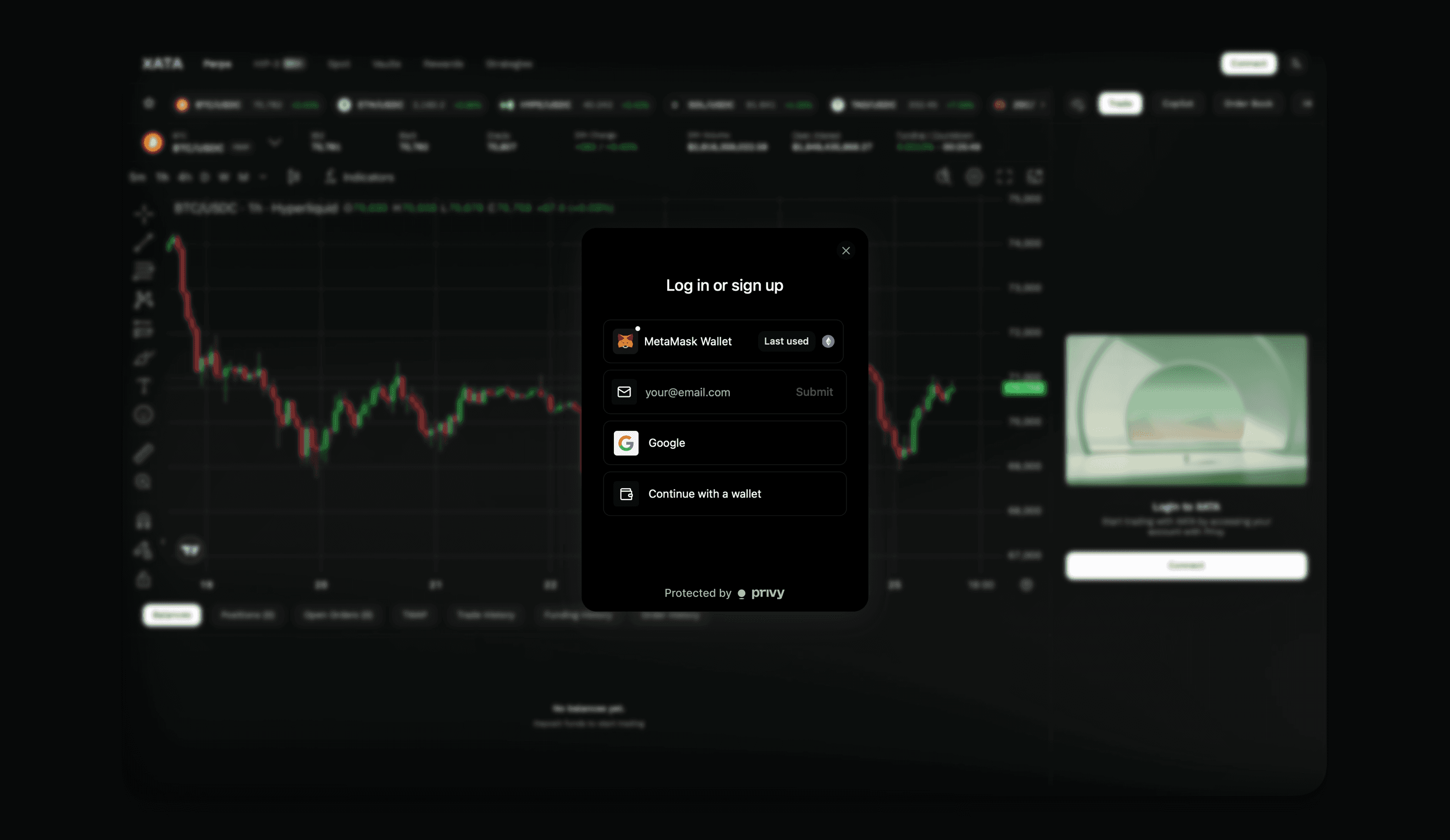
There are 2 options to create an account on XATA:
- Connecting an external wallet
If you already use a self-custodial wallet like MetaMask, Rabby, or Ledger, you can connect it directly to XATA.
You will be able to access your existing Hyperliquid L1 balances that you've deposited to HyperCore previously.
This is ideal for users who are already active onchain or familiar with Ethereum wallets.
- Email or Google sign-in
If you don't own a self-custodial wallet, you could easily create one with Privy with your email address or a Google account.
A new wallet address will be generated for your account and you can send funds to this new address (starting with '0x...').