
Overview
The default landing page summarizing collateral health, platform coverage, and verification status.

After logging in, the Overview page provides a summary of your current collateral health, platform coverage, and verification status. It is the default landing page and is intended to offer a high-level view of system integrity.
On a fresh workspace, set up tracking in two steps: first select at least one network using the edit icon next to Networks Covered, then add the FMSPCs you want monitored.
Status Overview
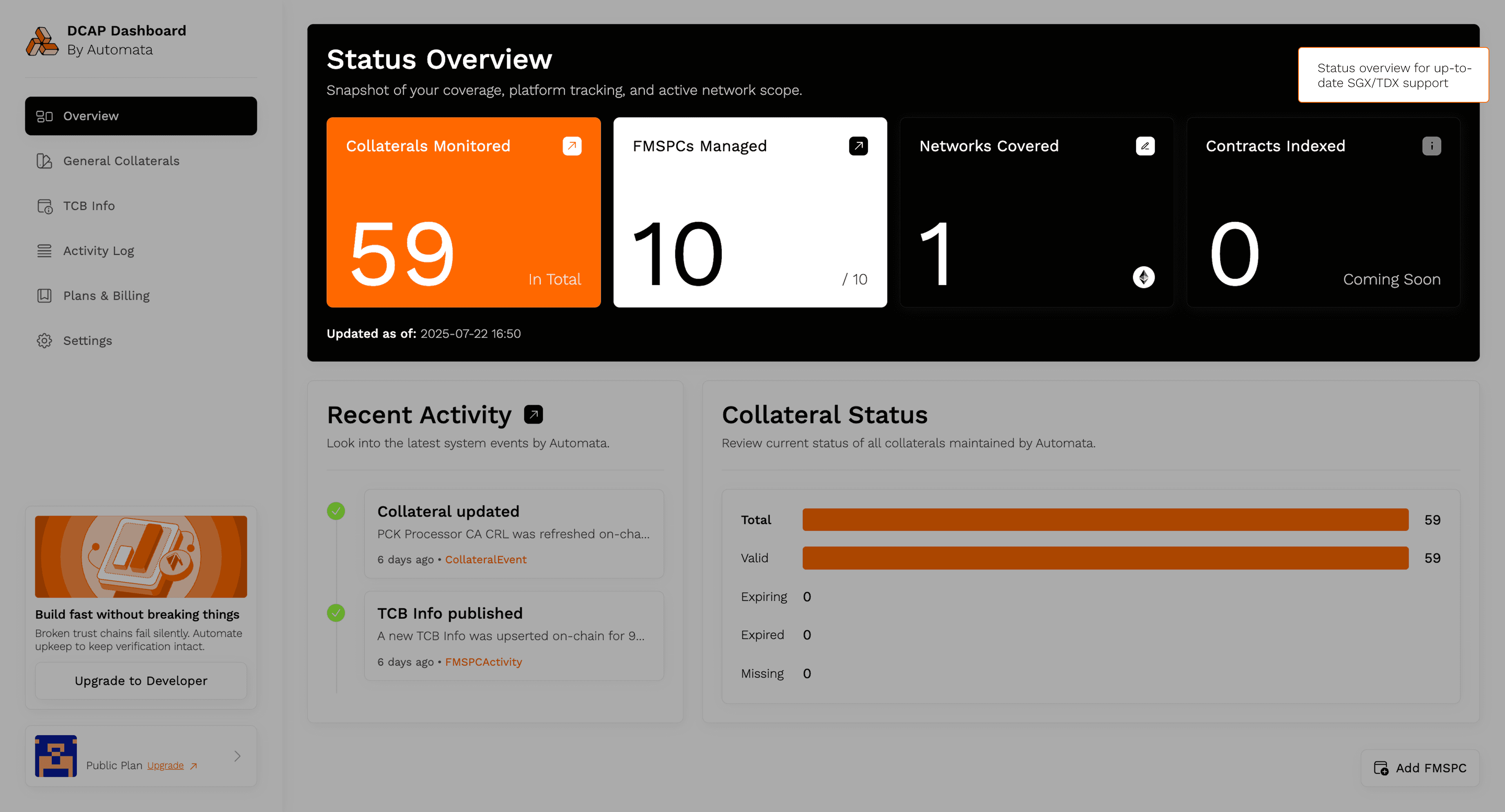
Status Overview provides a summary of current coverage
Collaterals Monitored
Displays the total number of DCAP collateral files currently tracked, including certificates, TCB info, revocation lists, and identity files.
FMSPCs Managed
Indicates how many distinct FMSPCs are being actively monitored. Each FMSPC corresponds to a unique SGX or TDX platform configuration.
Networks Covered
Shows the number of blockchains where FMSPCs are actively tracked and corresponding collateral is kept up to date.
Recent Activity
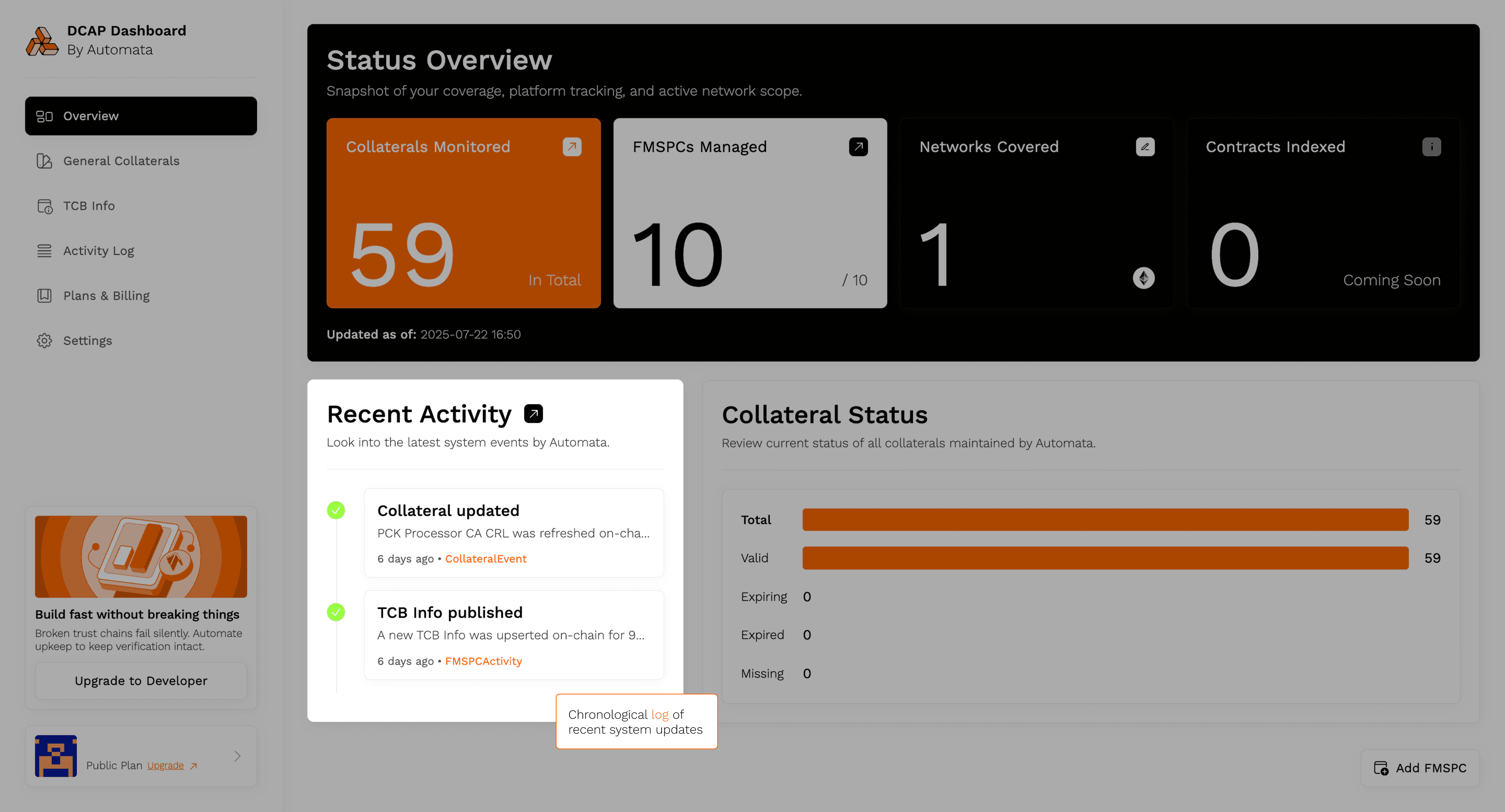
This panel logs recent updates made by the system, such as:
- Collateral fetch operations
- Sync events with Intel’s servers
- Changes in verification status
Use this to verify that the system is running as expected and performing periodic updates.
Collateral Status
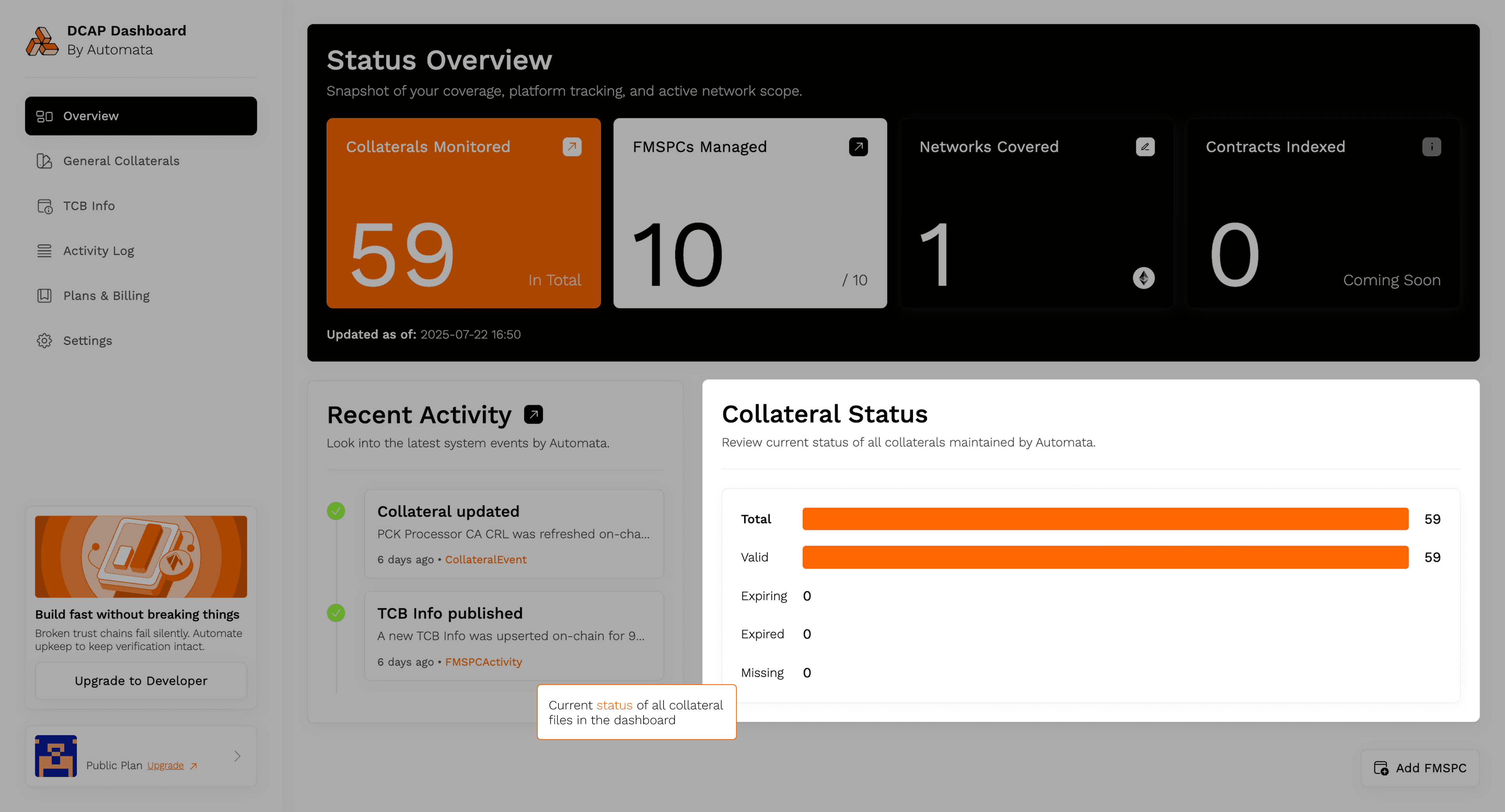
Screenshot
This provides a summary of the current state of all collateral files managed through the dashboard.
- Valid: Files currently up to date and valid
- Expiring: Files that will reach expiration soon
- Expired: Files that are no longer valid and may cause verification to fail
- Missing: Files expected based on configured FMSPCs but not retrieved
If collateral files are marked as Expiring, no action is required. Collateral is automatically refreshed before expiration to ensure continuous verification.
Clicking Add FMSPC opens a modal to register new platform identifiers — see Add or Edit FMSPC. Remember that a network must be selected before FMSPCs can be added.