
DCAP Services
Getting Started
Create a DCAP Dashboard account with email, Google, or an EVM wallet.

Setting Up an Account
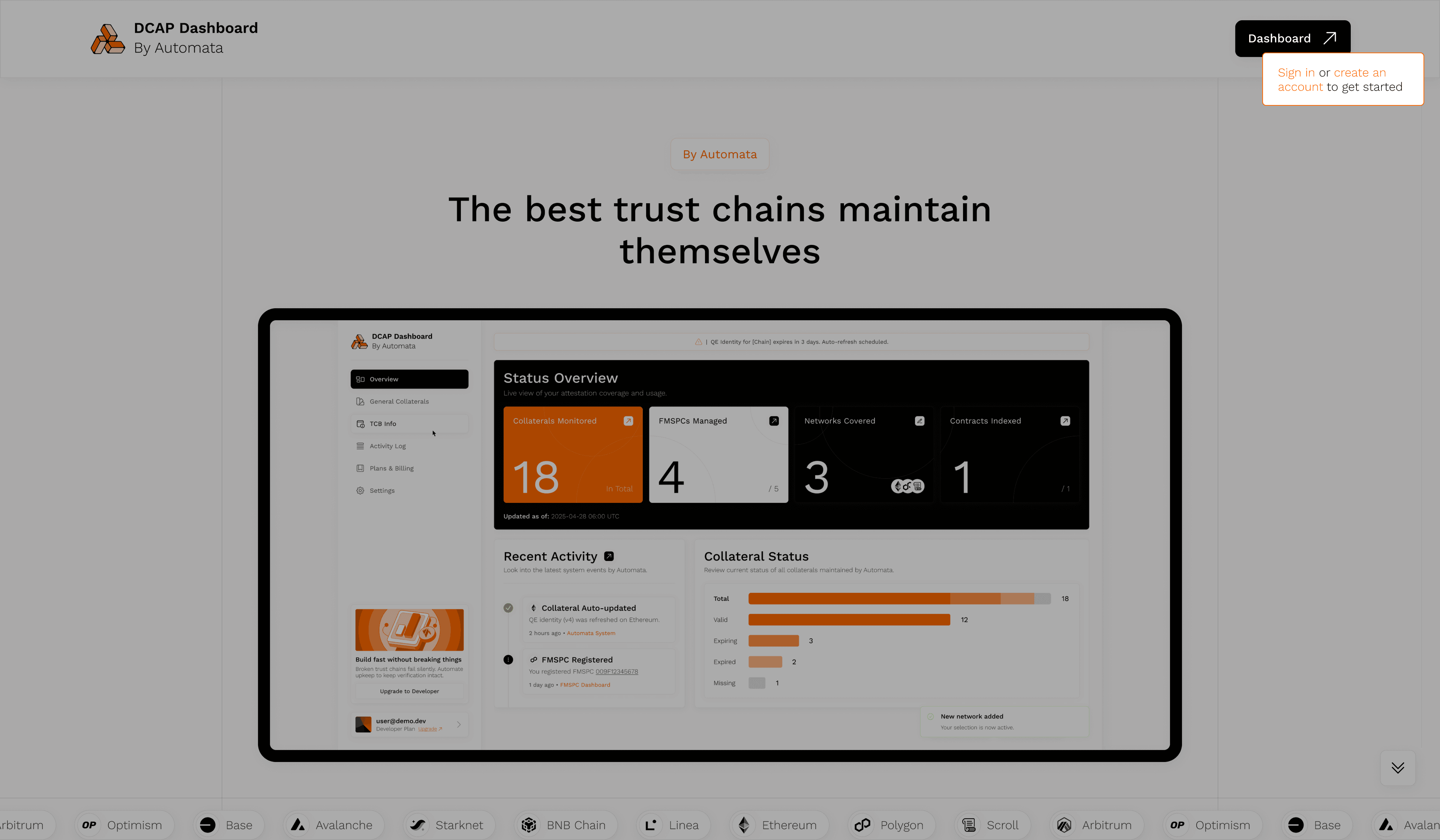
Click on Get Started to login
To get started, select one of the available sign-in methods:
- Email login: Use any valid email address to register and receive a secure login link
- Google account: Authenticate with your Google credentials
- Wallet login: Connect using any supported EVM-compatible wallet
All sign-ins are protected by Privy, ensuring user privacy and secure identity handling. No passwords are stored or required.
Next steps
Once signed in, take a tour of the dashboard, then select the networks you want the dashboard to track — network selection is required before you can add FMSPCs.