
Using The Dashboard
A tour of the DCAP Dashboard's main sections and how to use them.

The DCAP Dashboard provides a unified interface to manage SGX and TDX collateral upkeep, monitor verification status, and track platform coverage across onchain environments. Each section of the dashboard offers a focused view of different parts of the attestation process, whether you're monitoring expiration timelines or managing FMSPCs.
This guide outlines the main dashboard sections and how to use them effectively.
Navigation
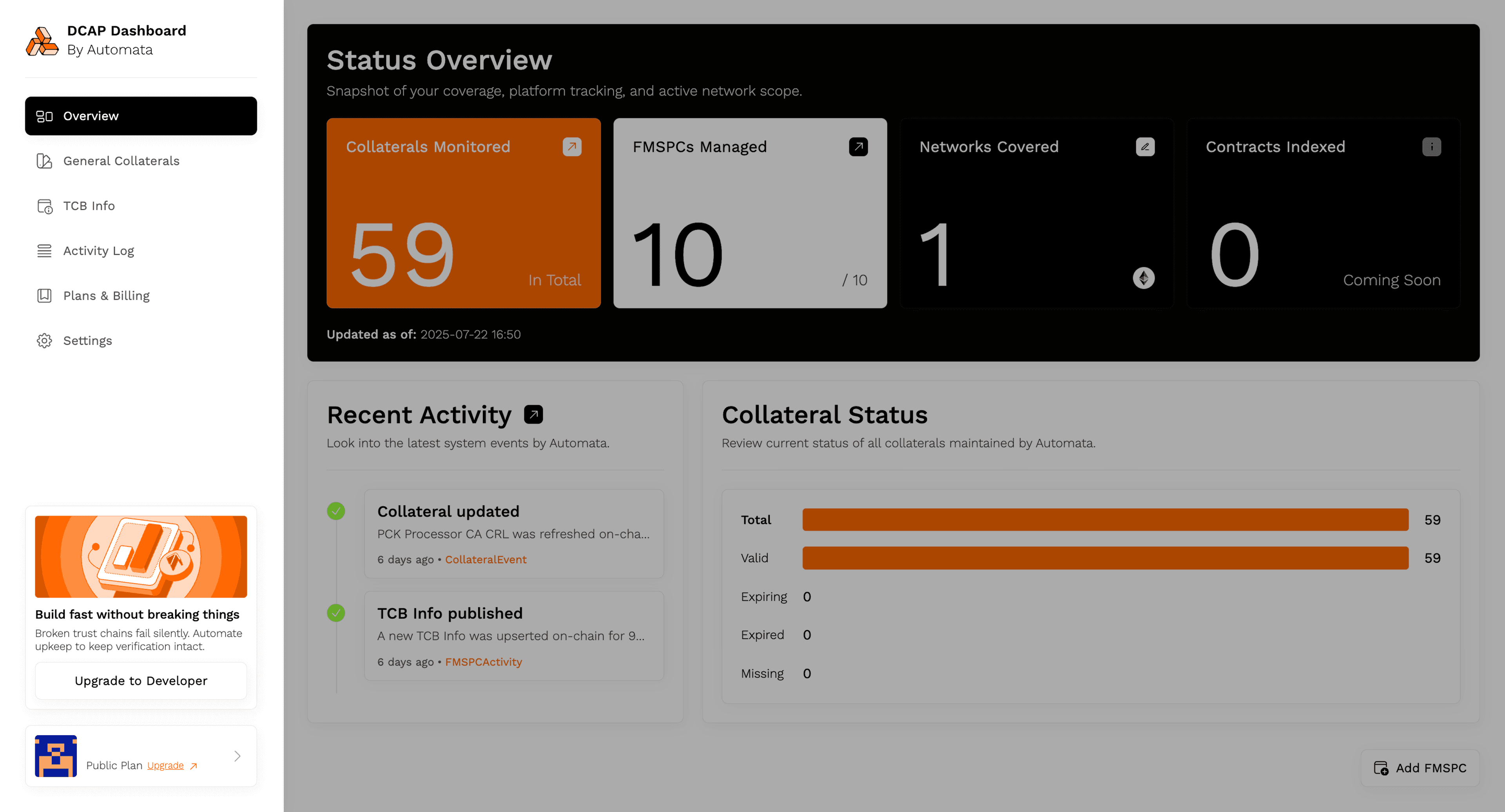
The left-hand sidebar provides a summary of the different pages within the dashboard
Use the left-hand sidebar to access the following views:
- Overview: A high-level summary of your current collateral coverage and recent activity
- General Collaterals: A read-only view of collateral files maintained by Automata
- TCB (Trusted Computing Base) Info: Displays all FMSPCs (Family-Model-Stepping-Platform-Custom SKU identifiers) registered for automated TCB tracking
- Activity Log: A chronological log of collateral sync events, verification outcomes, and system-level updates
- Plans & Billing: Manage your subscription tier and workspace entitlements
- Settings: Workspace-level preferences and notification options
Each section is described in more detail in the pages that follow.
We recommend starting with the Overview tab to understand your current trust status at a glance.