
DCAP Services
Settings
Configure email notifications and workspace preferences.

Receive alerts
Under Email Notifications:
- Enable alerts by checking the subscription box. This can be toggled at any time.
- Enter your email address in the field provided.
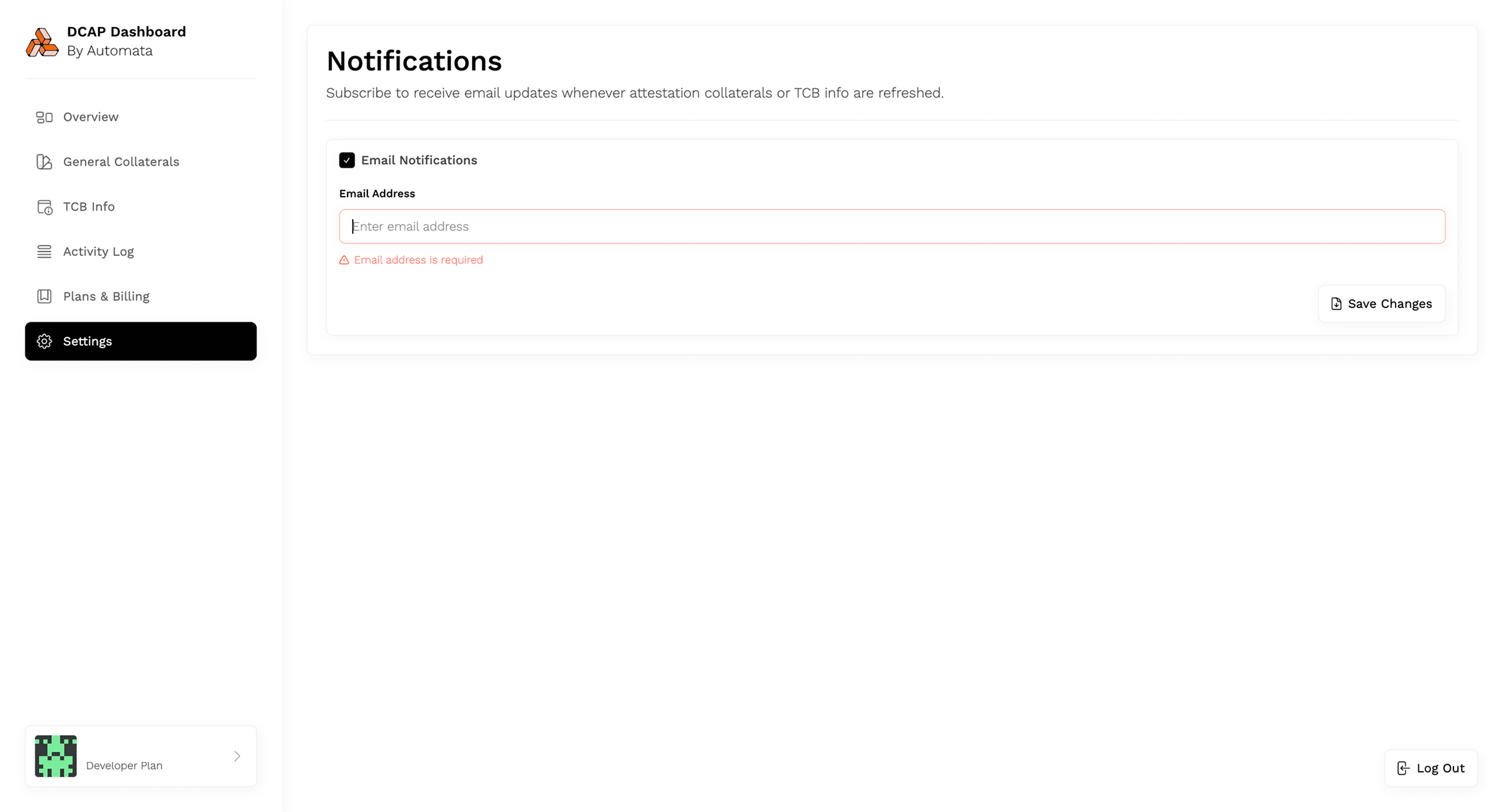
A warning will appear if left blank.
- Click Save Changes to confirm
Your email will now receive alerts for:
- New or updated TCB Info published onchain for any of your FMSPCs
- Any refreshed collateral files like CRLs, QE identities, or certificates
Update Email
To change your notification address:
- Return to the Settings page
- Replace the existing email in the field by typing or pasting a new one
- Click Save Changes
Only one email address is supported per workspace at this time.