
DCAP Services
Activity Log
A chronological record of collateral updates, user actions, and system events.

The Activity Log page provides a timeline view of recent system events, user actions, and collateral status updates. Use it to track everything from FMSPC registrations to auto-refresh outcomes and alert triggers.
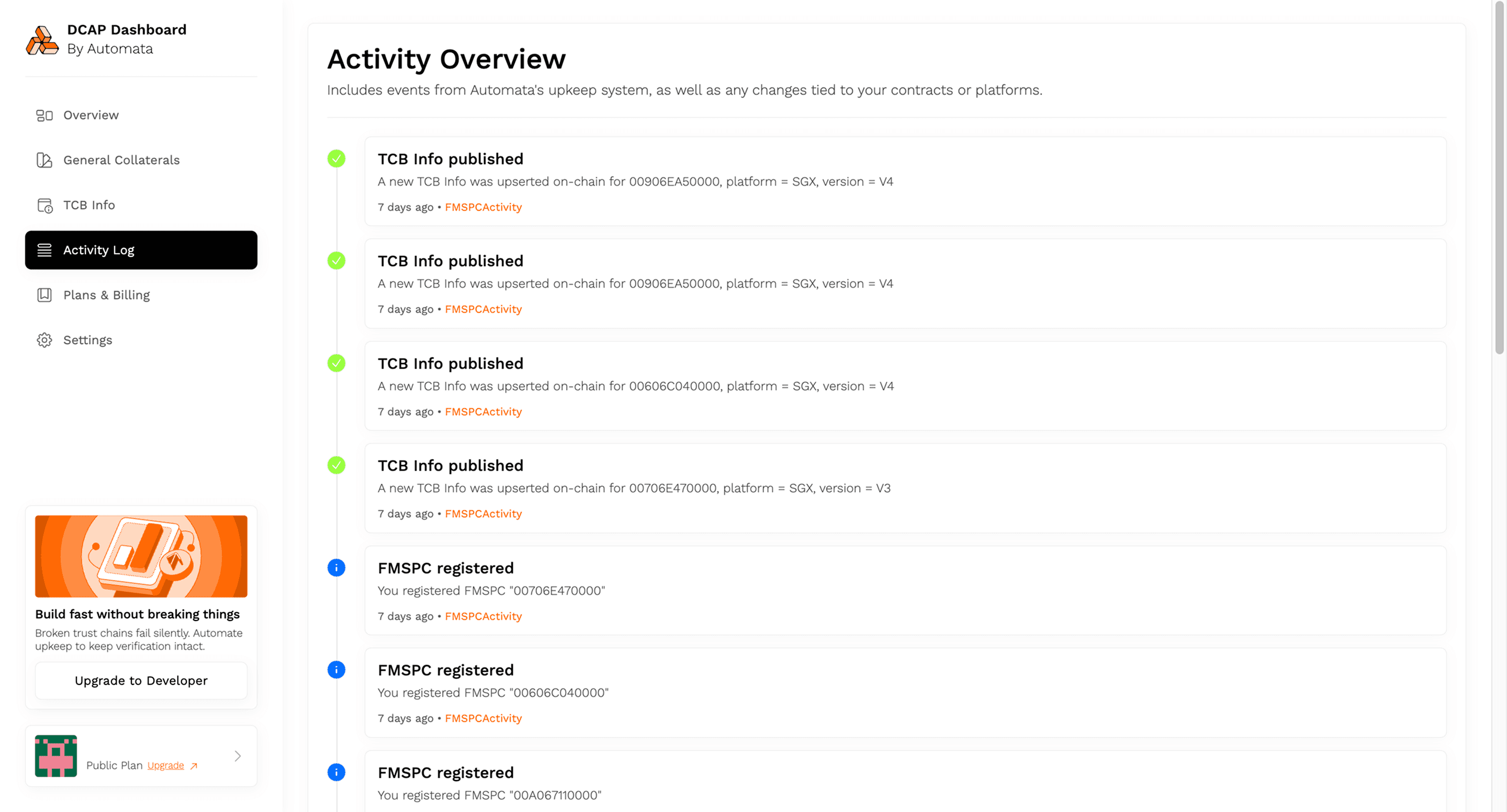
Each entry includes:
- Event name: Label indicating the type of activity
- Description: A concise summary of what occurred
- Timestamp: When the event was recorded
- Source: System or module responsible for the update